Quick answer: App spoofing is an employment-account security risk. A safe installation starts with trusted distribution instructions.
A search result claims to offer a “latest Starbucks schedule APK” outside established app stores or company management tools. The listing may use familiar colors without proving authorization.
Understand the situation before changing anything
A search result claims to offer a “latest Starbucks schedule APK” outside established app stores or company management tools. The listing may use familiar colors without proving authorization.
A legitimate employee tool should come from an approved onboarding message, manager, internal portal or official help desk. Avoid entering a partner number, password or verification code into a page found through an unrelated search result. Start with the specific decision you need to make. A good first question is what has already been documented and what is still only an assumption.
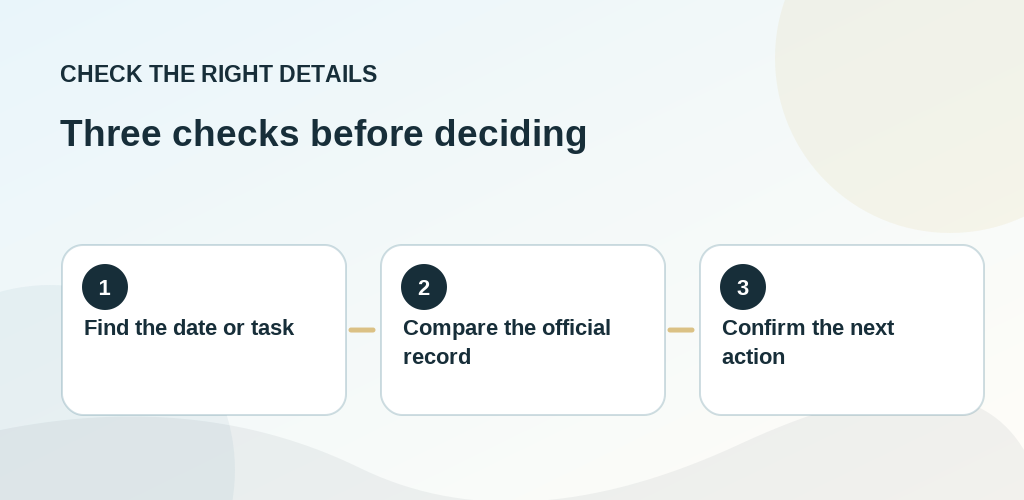
A practical way to handle it
Follow official onboarding and employer IT guidance. Verify the publisher, distribution route, requested permissions and any managed-device enrollment step directly with your manager or approved support.
Before acting, take a moment to confirm which date, location and personal circumstances are relevant. Keep any supporting evidence in a private, appropriate place; if you need help, ask a precise question instead of sending a broad request without the necessary context.
Make your next conversation useful
Explain the situation in one sentence, then list what you have already checked and what needs a decision. This makes it easier for the appropriate store leader, benefits administrator or official support team to respond with information that matches your specific case.
Example: turning confusion into a clear next step
If a QR code appears on an old flyer, ask whether it is current before using it. Company deployments sometimes change while printable materials remain in circulation.
Notice the difference between identifying a possible explanation and confirming what actually happened. An example helps frame a question; it cannot prove how a real employee’s account, schedule or benefits will be handled. The final answer always depends on the approved company process and current records.
Common mistakes to avoid
Do not sideload unknown packages, grant accessibility permissions without clear reason, or enter credentials into a webview whose domain you have not verified.
- Do not treat an unsourced post, old screenshot or search snippet as a current workplace rule.
- Do not share passwords, verification codes, personal payroll information or another employee’s details with this website.
- If your situation affects a deadline, ask for confirmation before assuming a request has been processed.
What to verify with an official source
If you already installed something suspicious, stop using it and report the incident through official security/help channels.
This independent website is not a sign-in service and cannot verify employee identity, reset employer credentials or display personal schedule records. Use employer-provided official links only.
Official sources and further reading
The links below are Starbucks-run pages. Their inclusion does not imply this independent website is affiliated with or endorsed by Starbucks.
Questions people also ask
Does a green logo prove an app is official?
No. Branding is easy to copy; official distribution and verified company guidance matter.
Where can I see information for my exact store or account?
Check the Starbucks-approved systems, communications and current Partner Guide for your market. For a decision involving individual eligibility, pay, scheduling or policy, contact the store leader or official support team who can view the right records.
Is this an official Starbucks policy update?
No. This is independent explanatory content based on public resources and general workplace practices. Company guidance and plan documents take precedence where they differ from this article.
Related Starbucks partner guides
Starbucks Employee Account Locked? A Troubleshooting Checklist
Account lockouts are often a sign to stop retrying and use verified support, not to hunt for another login portal.
Read the guide →
Starbucks Partner Hours, Teamworks and WorkJam Explained
Several product names appear in old tutorials, making it difficult to know which app or portal an employee should currently use.
Read the guide →
Why Starbucks Schedule Notifications May Not Arrive
Missing phone alerts are inconvenient but should never be mistaken for confirmation that nothing changed.
Read the guide →For a broader overview, visit our account & app guide or browse the complete resource library.