Pay & Benefits
How to Read Starbucks Paystub Deductions Without Guesswork
Gross pay, taxes, deductions and net pay are different numbers. Understanding their labels helps you ask better payroll questions.
Read the guide →Starbucks pay statements can show regular earnings, premium pay, deductions and benefits-hour information. For U.S. partners, Starbucks directs employees to Partner Central and approved employee services rather than a public third-party paystub site.
Quick answer: Starbucks pay statements can show regular earnings, premium pay, deductions and benefits-hour information. For U.S. partners, Starbucks directs employees to Partner Central and approved employee services rather than a public third-party paystub site.
Independent guide: Not affiliated with Starbucks Corporation. Employee rules differ by role, market and store. Use the current Starbucks Partner Guide, manager or official employee portal for account-specific directions. Never enter credentials on this site.
See the official Starbucks Partner Central resource notes. Some sensitive changes require a Starbucks device.
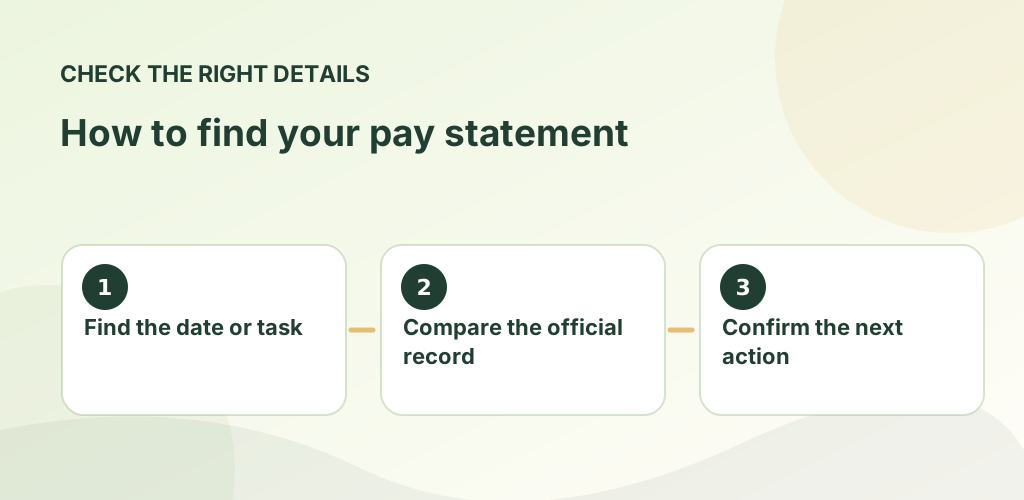
Payroll records can differ from the published schedule because of unpaid meal breaks, additional work, approved leave, tips and adjustments. Compare the correct pay period before reporting a discrepancy.
Starbucks directs employees to review qualifying Benefits (BEN) hours and Leave of Absence (LOA) hours, where applicable, as part of benefits eligibility tracking. See the benefits eligibility guide for the correct audit periods.
Contact your manager and the authorized payroll or partner support team promptly. Avoid emailing tax forms, bank details or full payslips to independent guide sites. Tax documents and access to historical statements depend on your account and employment circumstances.
Pay cycles can vary by state and role, and Starbucks has announced changes to weekly pay options. Confirm your current payroll calendar in Partner Central.
Starbucks states certain personal or banking changes require access from a Starbucks device.
For official, current policy decisions, use Starbucks’ own resources linked below. These sources do not imply that Starbucks sponsors or approves this website.
For any pay or benefits question, separate estimates from documented facts. Compare the relevant pay statement, official benefits dashboard, enrollment notice and dated plan materials before acting. If you have a question about a personal employee account, eligibility, time entry or workplace decision, rely on an employer-controlled record and support channel.
Choose the guide that matches your situation below. Each article gives a concrete example, common mistakes to avoid and official Starbucks references where available. These are informational guides, not a substitute for your store's current policy documents.
Gross pay, taxes, deductions and net pay are different numbers. Understanding their labels helps you ask better payroll questions.
Read the guide →
Planned hours, clocked work and benefits-counted hours answer different questions. Mixing them up creates avoidable pay confusion.
Read the guide →
Starbucks publicly announced a transition toward weekly pay for U.S. partners in 2026, but each person should verify their actual pay…
Read the guide →