Workplace Policies
Starbucks Shift Swap Approval Checklist
A trade is not necessarily complete when two coworkers agree. A final approved schedule protects both parties from confusion.
Read the guide →To swap or cover a Starbucks shift, use the scheduling request options authorized for your store and confirm any necessary manager approval. Offering a shift is not proof that you are relieved of it.
Quick answer: To swap or cover a Starbucks shift, use the scheduling request options authorized for your store and confirm any necessary manager approval. Offering a shift is not proof that you are relieved of it.
Independent guide: Not affiliated with Starbucks Corporation. Employee rules differ by role, market and store. Use the current Starbucks Partner Guide, manager or official employee portal for account-specific directions. Never enter credentials on this site.
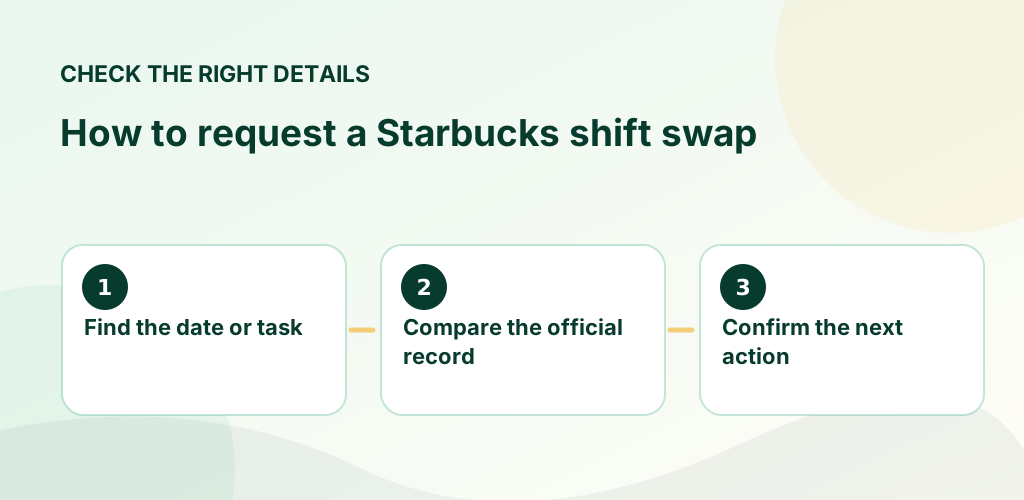
Offer: make a shift available for another qualified partner to accept. Swap: propose an exchange of assignments. Pick up: request an available open shift. These workflows differ, and acceptance or management signoff may be required.
For an illness or immediate absence, follow the location’s call-out procedure directly. Do not rely on a shift being offered in the app as your only notice. Keep clear records of any approval or revised assignment.
Eligibility depends on your store’s staffing rules, role requirements and manager approval.
Until the store approves coverage, treat the shift as your responsibility and contact your manager.
For official, current policy decisions, use Starbucks’ own resources linked below. These sources do not imply that Starbucks sponsors or approves this website.
The goal is to avoid surprises: look at the actual published entry, confirm the relevant date and store, and keep a record of any approved change. A text message or conversation alone may not update the official schedule. If you have a question about a personal employee account, eligibility, time entry or workplace decision, rely on an employer-controlled record and support channel.
Choose the guide that matches your situation below. Each article gives a concrete example, common mistakes to avoid and official Starbucks references where available. These are informational guides, not a substitute for your store's current policy documents.
A trade is not necessarily complete when two coworkers agree. A final approved schedule protects both parties from confusion.
Read the guide →
Available shifts can help meet personal hour goals, but approval, location and fatigue matter more than accepting every offer.
Read the guide →
A changed shift should be verified in the official schedule rather than handled as a rumor. This guide explains how to document and…
Read the guide →