Pay & Benefits
Planning Starbucks Vacation Around Scheduling and Benefits
Vacation planning includes both approved time away and the separate question of whether paid vacation hours are available.
Read the guide →Starbucks vacation, sick time and other leaves have different eligibility and approval rules. The right workflow is determined by your role, location and the applicable U.S. benefits plan.
Quick answer: Starbucks vacation, sick time and other leaves have different eligibility and approval rules. The right workflow is determined by your role, location and the applicable U.S. benefits plan.
Independent guide: Not affiliated with Starbucks Corporation. Employee rules differ by role, market and store. Use the current Starbucks Partner Guide, manager or official employee portal for account-specific directions. Never enter credentials on this site.
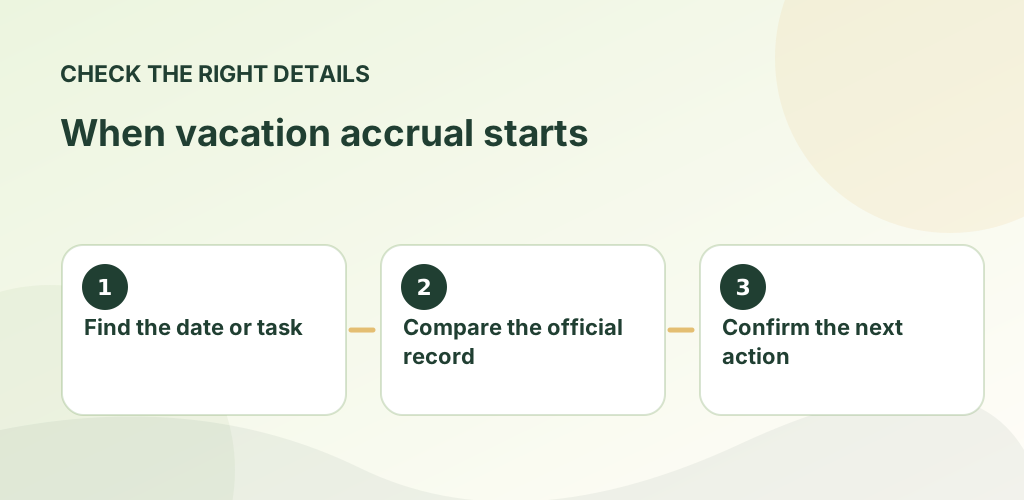
Starbucks says U.S. retail hourly partners generally begin accruing vacation after 90 days of continuous service, with accrual based on actual hours worked and a limit tied to the applicable plan. Accrued vacation carries over and is described as payable upon separation. Read the official vacation and time-off policy summary.
For U.S. partners, Starbucks lists one hour of sick time per 25 hours worked, available as soon as accrued. Local laws or collectively bargained terms may change the applicable rules. See the official Partner and Family Sick Time page.
Some extended leaves are managed by a separate administrator. Qualifying leave hours can affect benefits eligibility calculations. Consult Partner Central and the Starbucks Benefits Center when you need a definitive ruling.
No. Sick time covers defined health and family needs; vacation and leave of absence have separate rules.
Not simply by submitting a request. Check your accrued balance, eligibility and approval.
For official, current policy decisions, use Starbucks’ own resources linked below. These sources do not imply that Starbucks sponsors or approves this website.
For any pay or benefits question, separate estimates from documented facts. Compare the relevant pay statement, official benefits dashboard, enrollment notice and dated plan materials before acting. If you have a question about a personal employee account, eligibility, time entry or workplace decision, rely on an employer-controlled record and support channel.
Choose the guide that matches your situation below. Each article gives a concrete example, common mistakes to avoid and official Starbucks references where available. These are informational guides, not a substitute for your store's current policy documents.
Vacation planning includes both approved time away and the separate question of whether paid vacation hours are available.
Read the guide →
Time-off planning goes more smoothly when you distinguish an availability preference from a formally submitted request.
Read the guide →
Approved time away and pay for that time are separate decisions. Knowing the distinction prevents payroll surprises.
Read the guide →